1. Home
  2. Hardware

Hardware guide

A decent GPU is your whole studio.

Shotcoda was built and measured on an ordinary desktop, not a render farm. Here is what it needs, what each part does and how fast it runs, using measured numbers only.

Hardware tiers

One GPU

Entry

1 × NVIDIA 16 GB
  • RTX 4060 Ti 16 GB · RTX 5060 Ti 16 GB · RTX 4070 Ti Super
  • 64 GB RAM recommended (both motion experts live in RAM)
  • 8-core CPU · 150 GB free SSD
  • Ubuntu Linux + a recent NVIDIA driver

Same quality as the reference. Motion takes roughly twice as long.
Measured

Reference

2 × RTX 5060 Ti 16 GB
  • AMD Ryzen 5 7600X with integrated Radeon (for RIFE)
  • 32 GB DDR5 (64 GB removes swap during motion)
  • 512 GB NVMe · 750 W PSU
  • Ubuntu 26.04 · NVIDIA 595 driver · CUDA 13.2

48 min of machine time for a 62.6 s Short (fast profile).

Big VRAM

Fast lane

1 × RTX 4090 / 5090
  • 24–32 GB VRAM: both motion experts on one card
  • Longer 81-frame clips and 1080p generation become possible
  • 64 GB RAM · 8+ cores · fast NVMe
  • Ubuntu Linux + a recent NVIDIA driver

The most headroom. Best when you publish every day.

Not suitable: GPUs under 12 GB of VRAM for the main motion model, AMD and Apple GPUs (the stack is CUDA), and Windows or macOS without a Linux install. Not sure about your machine? Send your specs and you'll get a straight answer.

What each part does

Where the work actually happens.

  • GPU 0: paints the keyframes (Z-Image Turbo) and runs the high-noise half of motion generation.
  • GPU 1: narration (Qwen3-TTS), music (ACE-Step) and the low-noise half of motion plus decoding.
  • Integrated GPU: RIFE frame interpolation, which leaves the big cards free.
  • CPU: speech timing (faster-whisper), the HyperFrames render, sound design and FFmpeg mastering.
  • RAM: stages the 14 GB motion experts. 64 GB removes swapping during motion.
  • NVMe: about 89 GB of models plus 1–3 GB per episode.
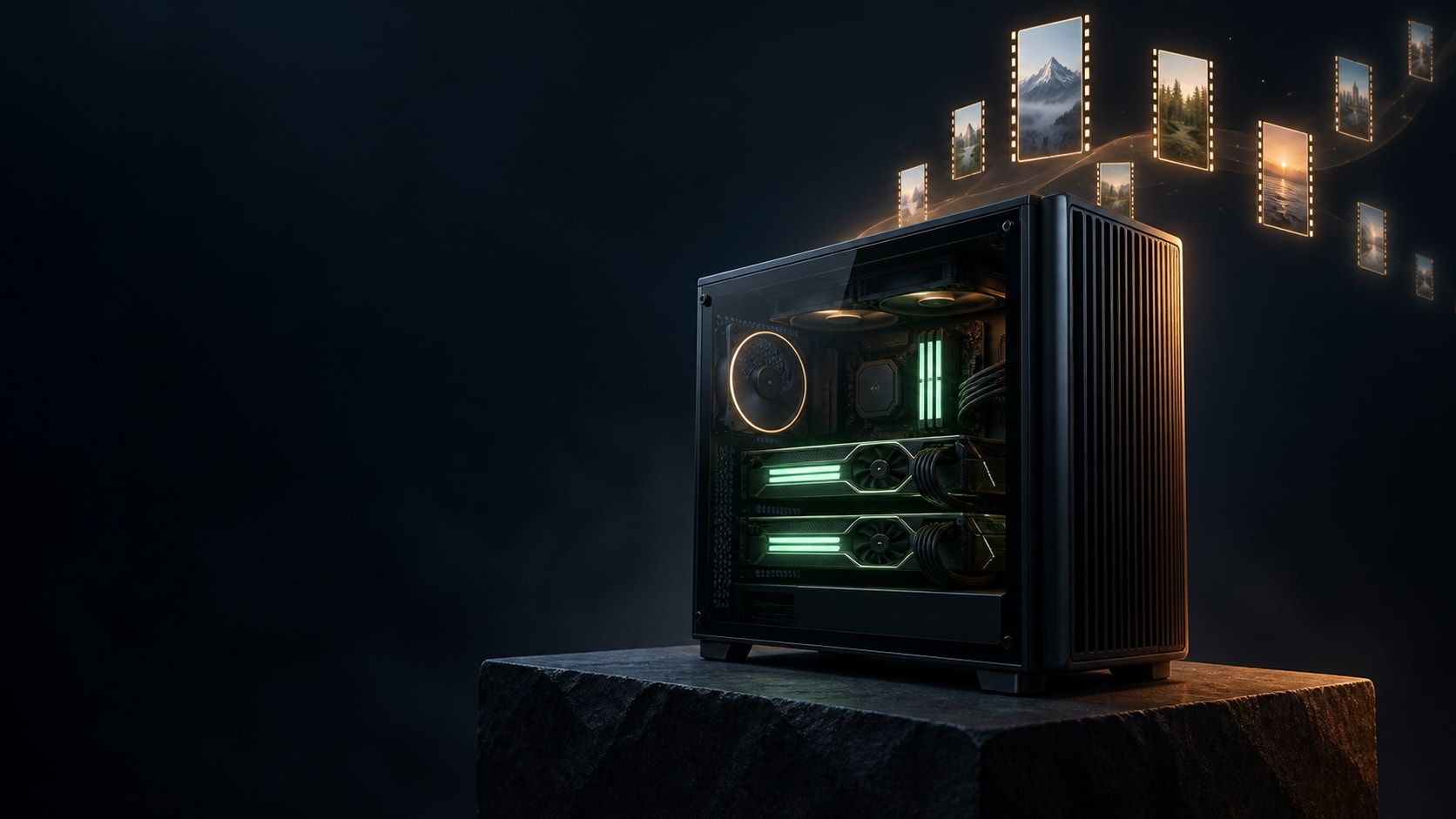
Illustration of a two-GPU desktop workstation generating video frames
Illustration

Measured

Peak load per stage

Measured on the reference machine (2 × RTX 5060 Ti 16 GB, Ryzen 5 7600X, 32 GB RAM) on 14 September 2026. Motion is the bottleneck, at about 3.5 seconds per generated frame.

Peak GPU memory, system RAM and time per Shotcoda stage
StageGPU 0GPU 1System RAMTime
Keyframes (Z-Image, 1088×1920)≈ 14.6 GB≈ 12 GB26 s / image
Narration (Qwen3-TTS 1.7B)5–7 GB≈ 4 GB5–9 s / take
Music (ACE-Step XL turbo)≈ 12 GB≈ 10 GB24–37 s / track
Motion, high-noise (Wan 14B fp8)≈ 13.7 GB≈ 27 GB with both86–237 s / clip
Motion, low-noise + decode≈ 13.5 GBshared118–272 s / clip
RIFE interpolation (iGPU)< 1 GB12–28 s / clip
Render (4 Chrome workers)≈ 3 GB2.3–3.5 min
48min

Fast profile, 62.6 s Short, whole pipeline

33min

Of that, motion: 12 clips, 584 frames

89GB

Model storage for video, image, voice and music

2× 16 GB

Consumer GPUs, no NVLink, second card on PCIe x4

Hardware FAQ

Will it run on my PC?

Can I run Shotcoda with a single GPU?

Yes. One NVIDIA card with 16 GB of VRAM gives the same quality as the reference machine. The high-noise and low-noise motion experts then share one card, so motion takes roughly twice as long, and 64 GB of system RAM is recommended.

Will an 8 GB or 12 GB graphics card work?

Not for the main motion model. Wan 2.2 A14B needs about 14 GB per expert. Smaller cards can run lighter models, such as Wan 2.2 TI2V-5B or quantised image models, with clearly lower motion quality.

Does it work on AMD GPUs or a Mac?

Not today. The video, voice and music stack is built on NVIDIA CUDA with fp8 weights. ComfyUI itself runs on Apple Silicon, but fp8 Wan and the CUDA TTS stack do not, so macOS is untested.

Which operating system do I need?

Linux. The reference machine runs Ubuntu 26.04 with the NVIDIA 595 driver and CUDA 13.2. A recent Ubuntu with a current NVIDIA driver is the target for new setups.

How much disk space do the models take?

About 89 GB for the video, image, voice and music models, plus about 10 GB for the local director LLM and 1–3 GB per episode. Plan for at least 150 GB free on an NVMe SSD.

Do I need two GPUs to be linked with NVLink?

No. Only a latent file passes between the two motion experts, so the second card works fine on a PCIe 4.0 x4 slot. The reference machine uses x8 + x4.

What does it cost to run?

Electricity for the hours the GPUs work, which is under an hour per Short on the reference machine. There are no per-video fees. If you use Claude or ChatGPT as the director instead of the local LLM, that plan is the only subscription.

Build my video pipeline

Send your specs. Get a straight answer.

Tell me what you make and where you publish. I'll check your hardware, build the pipeline around your format and brand, and set it up on your machine. No pricing tables: every setup is different, so you get a straight answer.

What do you need?

Your details are used only to reply. Privacy